
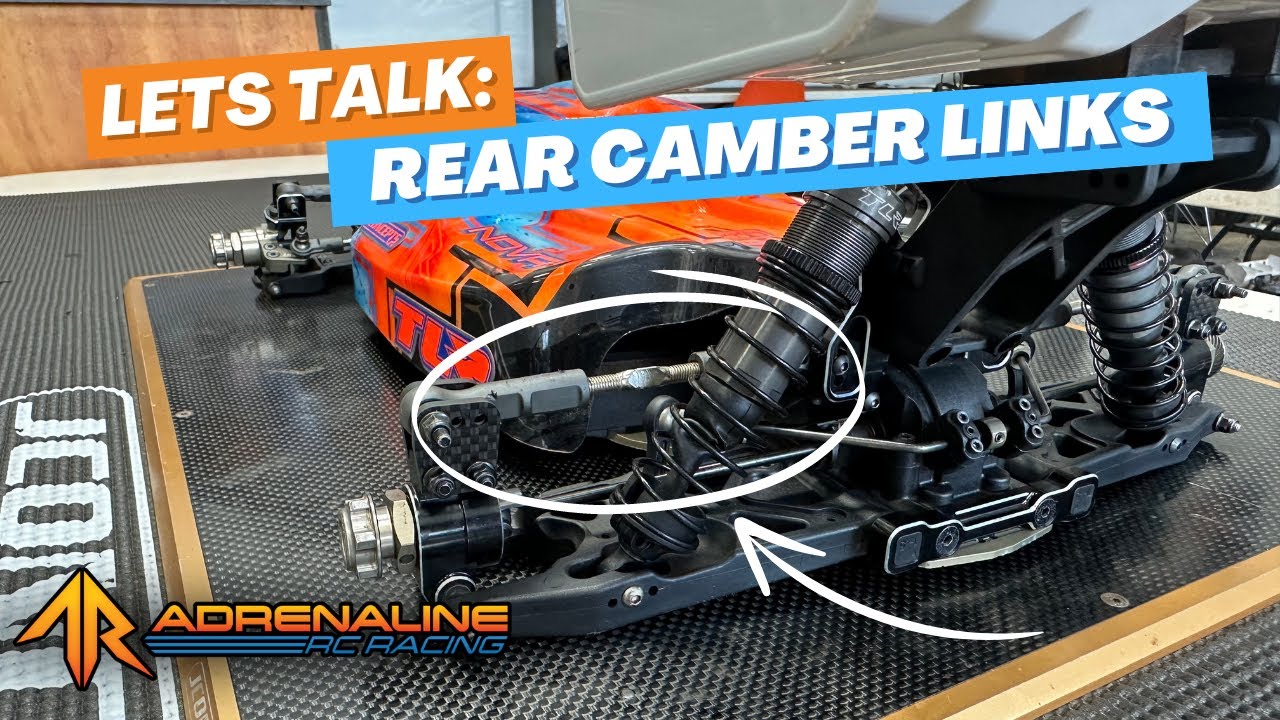
In this edition of Let’s Talk with Jacob Hardison, we’re diving deep into rear camber link geometry — a critical aspect of tuning your RC car for better traction, stability, and rotation. If you’ve been following along, this video is the perfect follow-up to our front link geometry discussion. Let’s break down how your rear camber link adjustments can transform your handling on the track.
What Is Rear Camber Link Geometry?
Most RC cars use a rear camber link setup — a key suspension component that lets you fine-tune your car’s performance. By adjusting link height and length at both the shock tower and hub, you can dramatically influence how your car reacts on and off power.
Rear Link Tuning Options
Let’s start with the two core adjustments:
🔧 Height Adjustments (Inner Tower)
-
Raising the inner link increases on-power traction and high-speed stability, but reduces on-power rotation.
-
Lowering the inner link increases on-power rotation, making the rear more lively, but reduces stability under throttle.
Use this if:
-
You're driving a tight technical track and want your car to rotate quickly off power, but stay stable exiting corners.
🔧 Length Adjustments (Inner Tower)
-
Longer links = more overall stability and traction.
-
Shorter links = more steering and better response on rough tracks.
This adjustment allows you to fine-tune corner entry feel — longer for smoother entry, shorter for quicker rotation.
Hub Plate Adjustments
🔧 Length Adjustments (Outer Hub)
-
Longer links = more stable going into the corner, more rotation on exit.
-
Shorter links = more rotation going in, more locked-in feel coming out.
Think of this as a way to balance entry and exit performance based on how your track flows.
🔧 Height Adjustments (Outer Hub)
-
Raising the hub-side link increases rear traction across the board.
-
Lowering it adds more rear rotation but decreases overall traction.
Keep this simple rule in mind:
Higher = more traction, Lower = more rotation.
Quick Recap
| Adjustment | Effect |
|---|---|
| Raise Inner Link | ✅ More on-power traction, 🚫 Less on-power rotation |
| Lower Inner Link | ✅ More on-power rotation, 🚫 Less stability |
| Lengthen Inner Link | ✅ More stability and grip |
| Shorten Inner Link | ✅ More steering, good on bumps |
| Lengthen Outer Link | ✅ Stable entry, 🔄 More exit rotation |
| Shorten Outer Link | ✅ More entry rotation, 🚫 Less exit stability |
| Raise Outer Link | ✅ More overall traction |
| Lower Outer Link | ✅ More rotation, 🚫 Less traction |
Final Thoughts
Tuning rear camber link geometry is a game-changer once you understand how each tweak affects the car’s balance. Whether you’re chasing more grip, quicker rotation, or better corner transitions, small changes here can make a huge impact on your lap times.
💬 Got questions or want a deeper dive into a specific setup? Leave a comment on the video or reach out to us — we’re always here to help!
📚 More Tech Tips:
Visit www.adrenalinercracing.com and click the Tech Tips tab for more setup advice and RC know-how!