
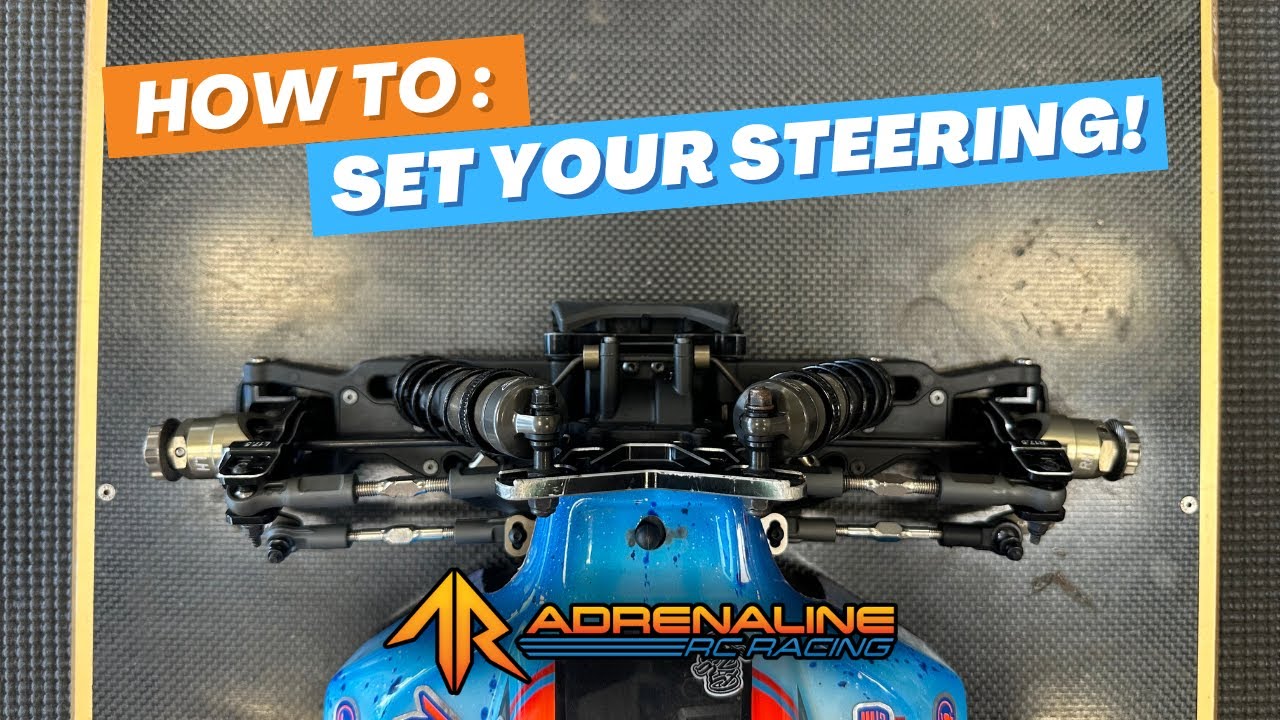
When you're getting ready to hit the track, having a properly set up steering system on your RC vehicle is crucial for control, consistency, and confidence. In this tutorial, we’re walking through exactly how to center your steering and set your steering end point adjustments from start to finish.
Whether you're a new racer or just refreshing your setup, this guide will walk you through the same process we use in the shop and at the track.
What You’ll Need:
Before getting started, make sure you have the following tools:
-
Your radio (we're using a Sanwa unit here)
-
A fully charged battery
-
A pair of calipers
-
Your vehicle
-
Wheels and tires (recommended for final tuning)
You can find all of these at AdrenalineRCRacing.com!
Step 1: Reset and Center Everything
Start by turning on your radio and then powering on your car. This ensures the servo centers itself based on your radio’s current neutral settings.
💡 Pro Tip: If you're installing your servo horn, do it while the car is powered on and centered. Place the horn so your steering rack is as close to center as possible.
Step 2: Center the Steering Rack
Use visual references—like the gap between the steering link screws and your top plate on each side—to ensure your steering rack is centered. You want these gaps to be equal. If they aren’t, use your steering trim on the radio to adjust until they match.
⚖️ This step is key to ensuring everything else in your front-end geometry aligns evenly.
Step 3: Set Your Turnbuckles
Now that your rack is centered, it’s time to adjust your turnbuckles to make sure both left and right sides match. Ideally, you’d do this with wheels and tires on so you can see how toe angles appear on the ground, but for visibility, you can start without them.
-
Set the desired toe angle on one side (we recommend a slight toe-out).
-
Measure the turnbuckle length with calipers.
-
Mirror that length on the other side.
✅ Matching lengths = balanced steering response.
Step 4: Adjust Steering End Points
Your next step is to fine-tune the steering end point settings in your radio to make sure your servo isn’t overdriving the steering system and causing unnecessary strain.
-
Navigate to the EPA (End Point Adjustment) settings on your radio.
-
Reduce both left and right endpoints from 100% temporarily.
-
Turn your wheels full lock in each direction and slowly increase EPA until you hit the mechanical stop of your steering without overdriving it.
Use physical contact between the knuckle and caster block (on C-hub setups) or movement slack (on pillow ball setups) as your visual cue. If your front end lifts slightly or your servo emits a high-pitched noise, you've likely gone too far—dial it back.
🎯 Repeat this process independently for both left and right sides, as EPA values often differ slightly.
Final Thoughts
Once everything is dialed in:
-
Your servo horn is properly placed.
-
The steering rack is centered.
-
Toe settings are symmetrical.
-
Steering endpoints are safely and accurately set.
This process will set you up for consistent, predictable handling every time you hit the track.
See you at the track!
—
Written by Jacob Hardison, Adrenaline RC Racing