
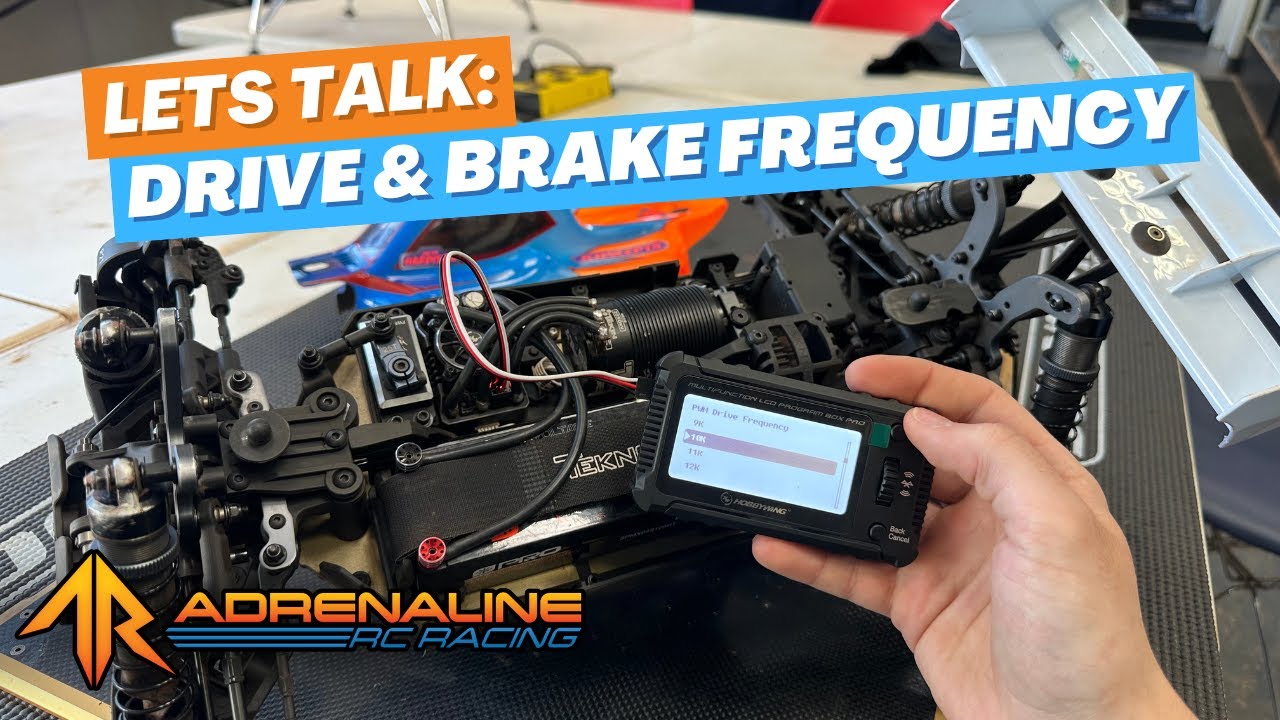
Want to take your driving to the next level? Whether you’re trying to gain more control or squeeze out faster lap times, learning how to tune your ESC drive frequency and brake frequency is a game changer. In this Tech Tip, we’ll walk you through what these settings mean, how they affect your car on track, and how to adjust them using a Hobbywing program box.
What Are Drive Frequency & Brake Frequency?
Both of these settings adjust how aggressive or smooth your car feels when accelerating or braking. They're measured in kilohertz (kHz), typically labeled as 1K, 2K, 4K, etc.
-
Drive Frequency affects how quickly your car reaches full throttle.
-
Brake Frequency affects how quickly your brakes apply full force.
Lower Frequency = More Aggressive
At 1K drive frequency, the ESC applies full throttle (or brakes) in fewer steps—giving you snappy response and high aggression. Great for short run-ups or tracks that require quick action.
Higher Frequency = Smoother Response
At 10K or higher, the steps are much smaller, leading to smoother acceleration or braking. This can help avoid wheel spin on low-grip surfaces and make the car easier to control overall.
How to Choose the Right Settings
Here’s how to think about tuning your ESC for different conditions:
🟠 Throttle Frequency Tips
-
Low Grip Tracks: Increase throttle frequency for smoother power delivery and better traction out of corners.
-
Short Jump Run-Ups: Decrease throttle frequency for more rip when you need quick acceleration.
-
Jacob’s Go-To Setting: 6K–12K throttle frequency depending on the track.
🔵 Brake Frequency Tips
-
Tight Tracks: Lower brake frequency for quicker response into tight corners without adjusting brake force.
-
High Speed Corners: Higher brake frequency helps prevent locking up and allows more corner speed.
-
Jacob’s Go-To Setting: 6K–10K brake frequency for a smooth, controlled stop.
How to Adjust ESC Frequencies (With Hobbywing)
-
Plug your program box into the correct ESC port (usually fan or dedicated programming port).
-
Power up your ESC.
-
Navigate to Drive Frequency or Brake Frequency in the parameter settings.
-
Select your desired frequency and press Save.
-
Don’t forget to recalibrate your throttle endpoints afterwards!
🎯 Pro Tip: Always double-check that your ESC settings match your driving conditions. Too aggressive? You might spin out. Too soft? You might lose lap time.
Final Thoughts
Tuning your ESC drive and brake frequency is all about finding balance. It’s not about being as aggressive as possible—it’s about setting up your car so that you stay in control, not the other way around.
Try experimenting with small changes at your next race or practice session. You might be surprised how much of a difference it makes!
If you have any questions or want to see more tech tips like this, drop a comment on the video or shoot us a message. Until next time—see you at the track! 🏁